
One source of truth
Start with a default language, then create matching locale files from its key structure. Group related strings so they stay easy to find.
YOUR LOCALIZATION WORKSPACE
A calmer way to manage JSON translations. Keep your keys together, edit every language in a local browser workspace, and check files before they ship.
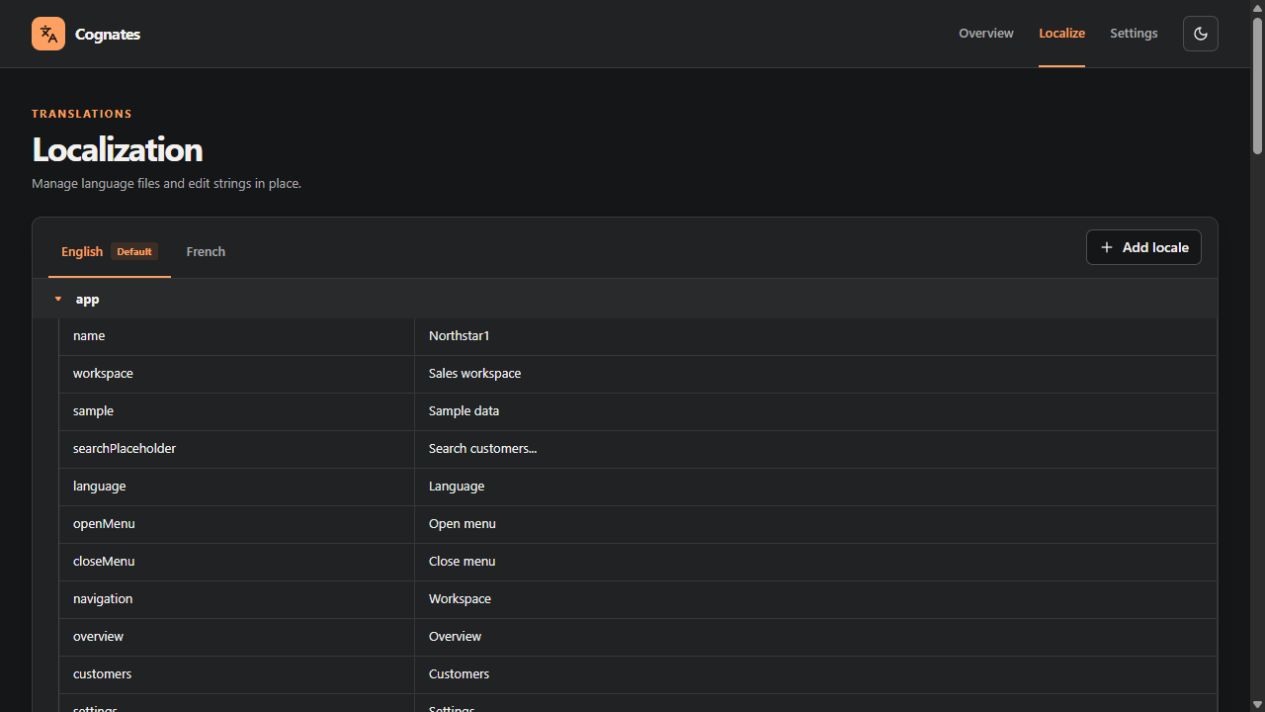
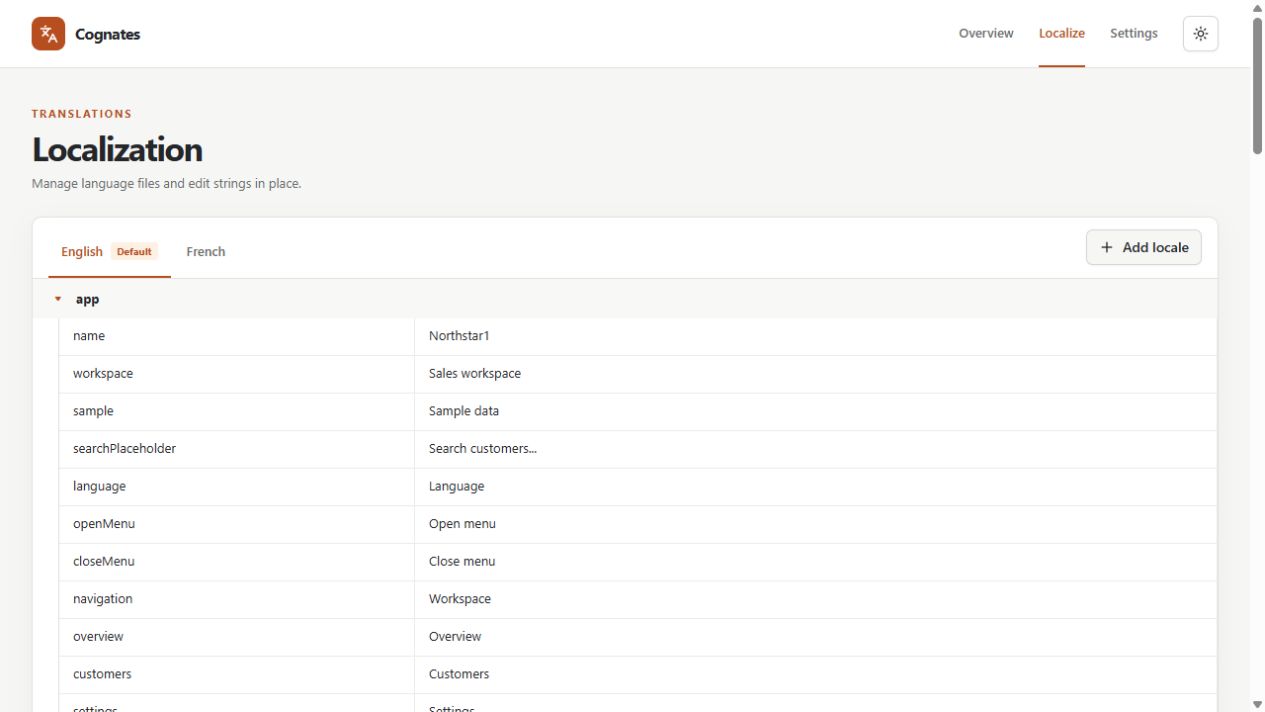
THE PRODUCT
Cognates combines a small CLI with a local editor. Your translations remain ordinary JSON files in your project, ready for your app to load however it chooses.
Start with a default language, then create matching locale files from its key structure. Group related strings so they stay easy to find.
Move between language tabs, update values, add keys and groups in the default locale, and save changes back to JSON.
Find missing, extra, or empty translations, unexpected types, and mismatched placeholders with a single command.
Generate a locale.ts interface beside your default JSON file whenever you need a typed shape.
THE WORKSPACE, TWO WAYS
The same focused editor and settings, with the app’s warm accent in both themes.
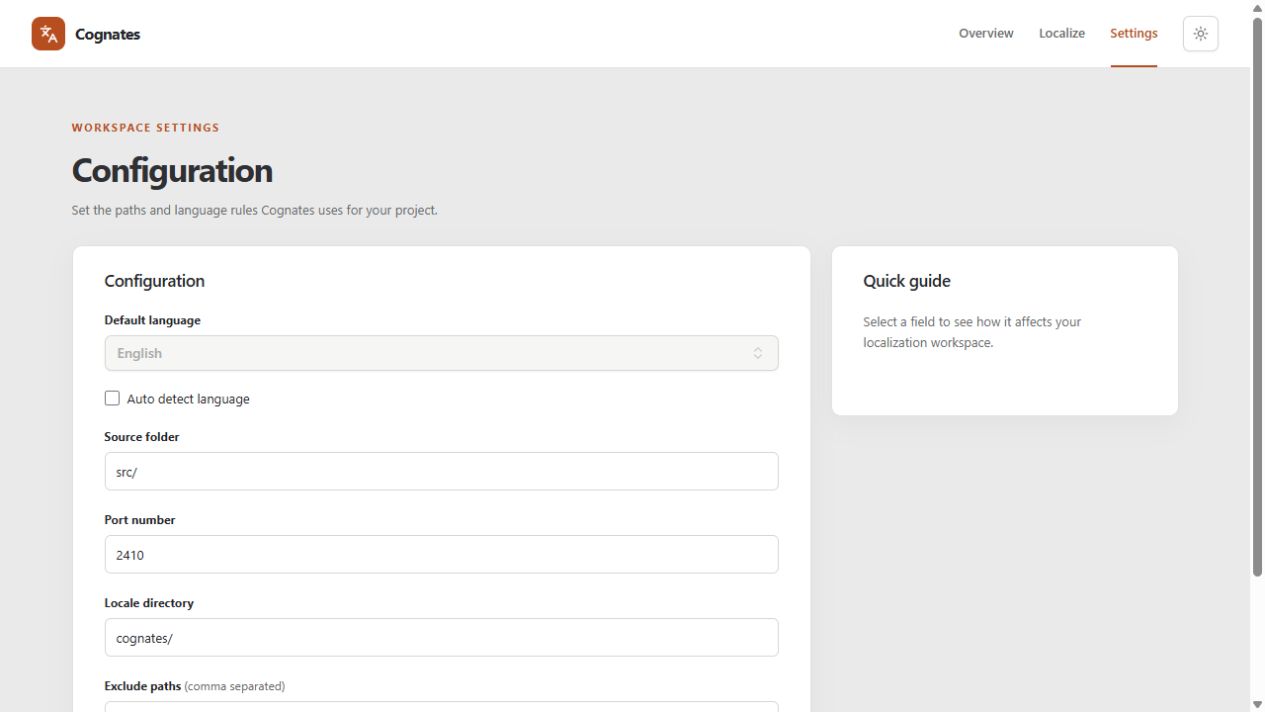
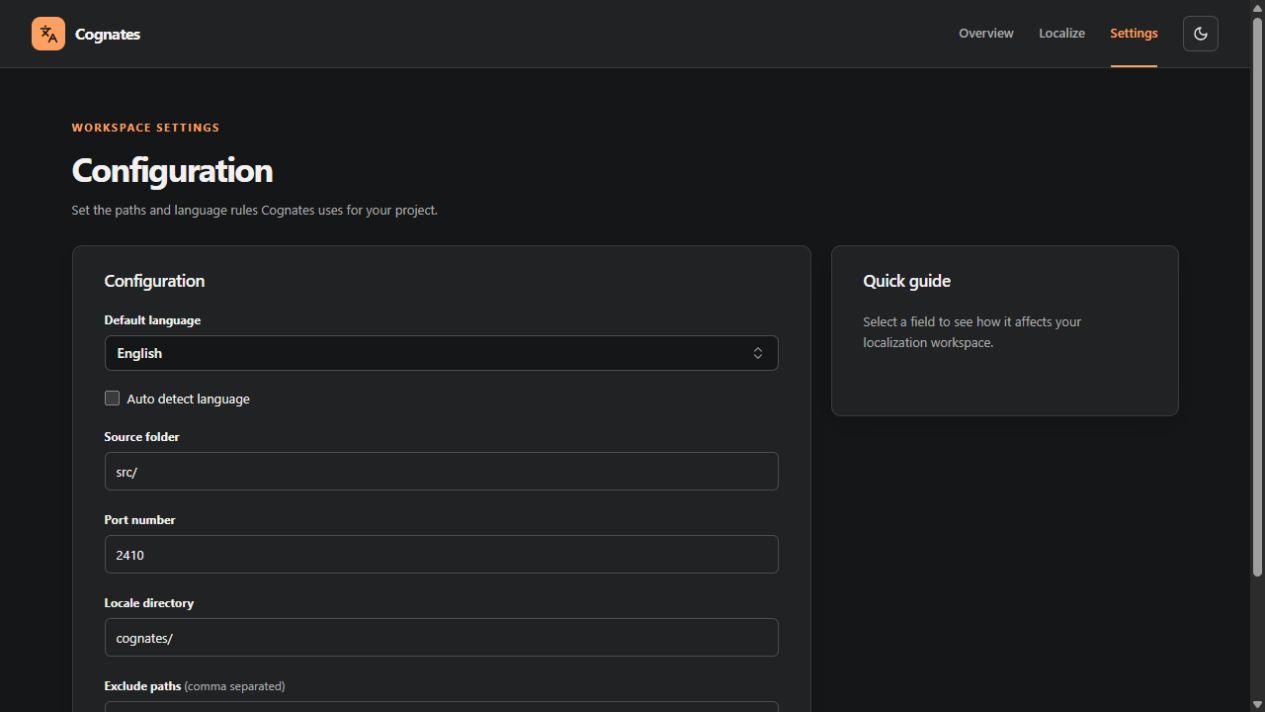
FROM ZERO TO LOCALIZED
Install Cognates in your project, create a source locale, and open the editor. The CLI stays useful when it is time to validate translations in CI.
Read the full documentationRun npx cognates setup from the project root.
Add source strings, then create and fill other locales in the editor.
Use npx cognates check --strict in your pipeline.
START HERE
Install in a project that uses JSON translations, run setup, then launch your local workspace.
See the setup guide# From your project root
$ npm install --save-dev cognates
$ npx cognates setup
$ npx cognates starthttp://127.0.0.1:2410 by defaultREADY WHEN YOU ARE
Explore the docs and give your translations a clearer home.